
The Spreadsheet That Humiliated Me in Front of a Client
I was on a video call, confidently walking a potential client through my content workflow. “Everything runs automatically,” I said, pulling up my dashboard to show them. That’s when I saw it — 47 failed automation runs stacked up like a digital car wreck. My face went hot. The client politely ended the call early. We never spoke again.
That moment forced me to confront something I’d been avoiding for months: my automations were held together with digital duct tape, and they fell apart constantly. If you’ve ever built a workflow that worked perfectly for two weeks before mysteriously dying, you know exactly what I’m talking about.
The Real Reason Most Automations Break
Here’s what nobody tells you when you first start automating things: the tool isn’t usually the problem. You are. I don’t mean that harshly — I was the problem too. The issue is that most of us build automations reactively. Something annoys us, so we automate it. Then something else annoys us, so we add another automation. Before long, we’ve got a tangled web of workflows that don’t talk to each other and break whenever one tiny thing changes.
I had automations triggering other automations that triggered other automations. When something broke in the middle, I had no idea where to even start looking. My “system” was really just a collection of band-aids I’d applied over eighteen months without any actual plan.
The other culprit? I was building automations based on how I worked that week, not how my business actually functioned. I’d set up a workflow for a specific situation, then my process would evolve, and suddenly the automation was doing the wrong thing — or nothing at all.
The Discovery That Changed Everything
I stumbled across this concept while reading about systems design: single points of failure. In my case, almost every automation I’d built had multiple single points of failure. If one app updated its interface, broken. If I changed a folder name, broken. If a form field got modified, you guessed it — broken.
I realized I needed to stop thinking like someone who automates tasks and start thinking like someone who builds systems. There’s a massive difference. Task automation is reactive. System building is proactive.
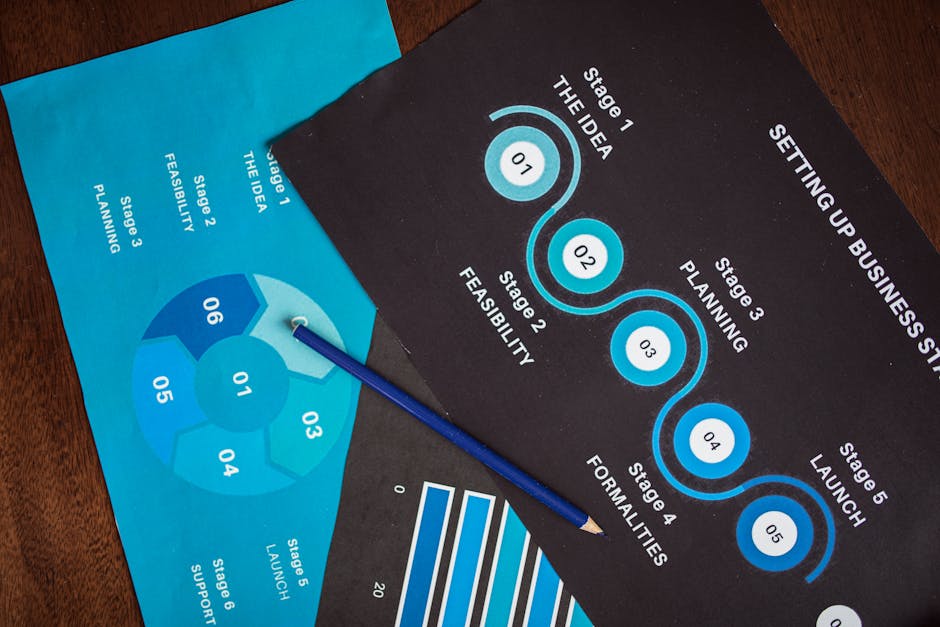
The Five Steps I Took to Fix This Permanently
First, I mapped every single automation I had running. This was painful. I found duplicates doing the same thing slightly differently. I found workflows that hadn’t run successfully in months. I found automations for projects I’d abandoned a year ago. Just documenting what existed took me an entire afternoon, but it was essential.
Second, I identified what I actually needed versus what I’d built because it seemed cool. About 40% of my automations were solving problems I no longer had. I deleted them without mercy.
Third, I rebuilt everything with buffer steps. Instead of Automation A triggering Automation B directly, I started using intermediate holding areas — a spreadsheet, a database, a simple list. This meant if something broke, the data wasn’t lost. It just sat waiting until I fixed the issue.
Fourth, I added notification checkpoints. Now I get a simple ping when critical automations complete successfully. No news doesn’t mean good news anymore — it means something needs attention.
Fifth, and this was the game changer, I started documenting why each automation existed and what would break it. Future me has thanked past me approximately a hundred times for this.
What Actually Changed
The chaos stopped. Not overnight, but steadily. Where I used to spend three or four hours weekly troubleshooting broken workflows, I now spend maybe twenty minutes. When something does break — and things still break occasionally — I know exactly where to look and how to fix it.
My content gets distributed automatically without me checking if it actually happened. Client onboarding flows work whether I’m paying attention or not. My weekly review process compiles itself. The time I’ve gotten back is significant, but honestly, the mental relief matters more. I stopped dreading that little notification badge.
Key Takeaways
Build systems, not just automations. The difference is intention and interconnection. Every workflow should have a clear purpose and a documented place in your larger operation.
Add buffer zones between connected automations. When things break — and they will — buffers prevent data loss and make troubleshooting straightforward.
Document everything, especially the “why.” You will not remember why you built something a specific way six months from now. Write it down.
Audit regularly and delete ruthlessly. Dead automations create confusion and sometimes cause conflicts with active ones. If it’s not serving you today, remove it.
Assume change is coming. Build your workflows to accommodate modifications in your tools, your process, and your business. Rigid automations snap under pressure.
The goal isn’t to automate everything. It’s to automate the right things in ways that actually hold up over time.
This article is for educational purposes only. Results vary based on individual effort and circumstances.
Want to learn the exact tools and systems I use? Get the free resource guide at snapsidehustles.com